
Snaggle remembers the connections between the pages, notes, tasks, and apps you move through all day, so any of them is one keystroke away.
Private by design · Syncs over your own iCloud · No account, no signup
What it does
Snaggle keeps a private database of links that lives outside any single app, so anything can point to anything.

Create bidirectional links between any two URLs,
across any apps: web pages, notes, tasks, even
custom app URLs like
omnifocus://.

Frecency-ranked search floats the links you actually use to the top, so the right connection is always a few keystrokes away.

Link A and B, and asking about either one finds the other. Pages and their anchors are tracked separately but roll up cleanly.
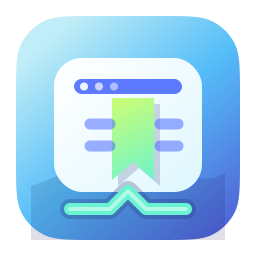
Snag the frontmost app's link from the Mac CLI, an Alfred hotkey, or the iOS share sheet. No copy-paste gymnastics.
How it works
Grab whatever the frontmost app is showing, from Safari, Drafts, OmniFocus, or anywhere else, and connect it to something related.
Links land in a private database, kept byte-for-byte and outside any one app, so they are never trapped in a single silo.
Search, open, and hop between connected things, on your Mac and your iPhone or iPad, exactly where you left off.
Private by design
No server. No account. No signup. Everything lives in a local database and syncs peer-to-peer through your own iCloud. Your links, and the patterns of how you use them, never leave your devices. We don't want your data, and we never see any of it, ever.
Snag a bidirectional link from a web page to a note. Later, viewing either one, a couple of keystrokes opens the other.
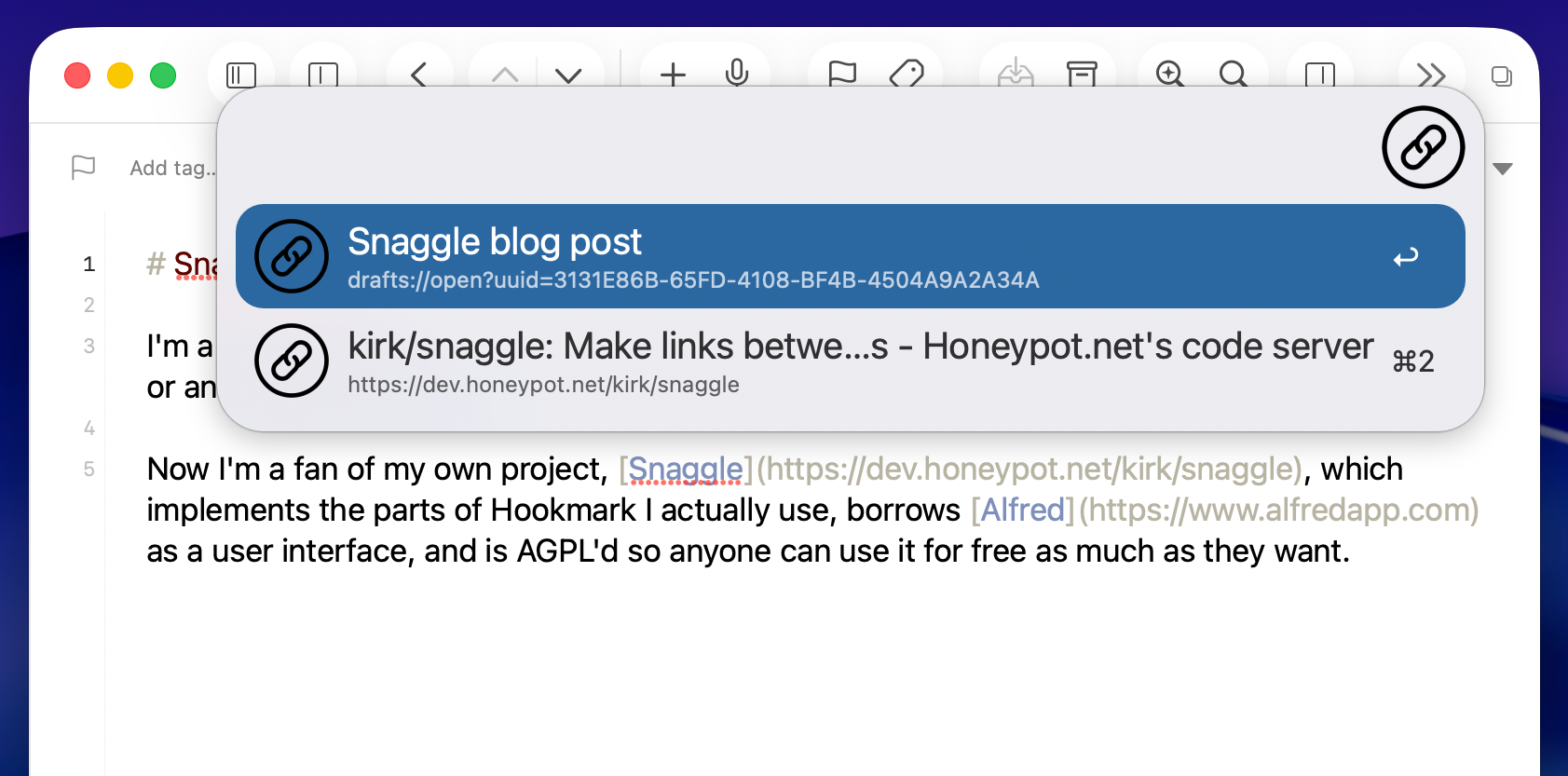
Snaggle reads the frontmost app's current URL, so bookmarking the page you're on is instant and exact.
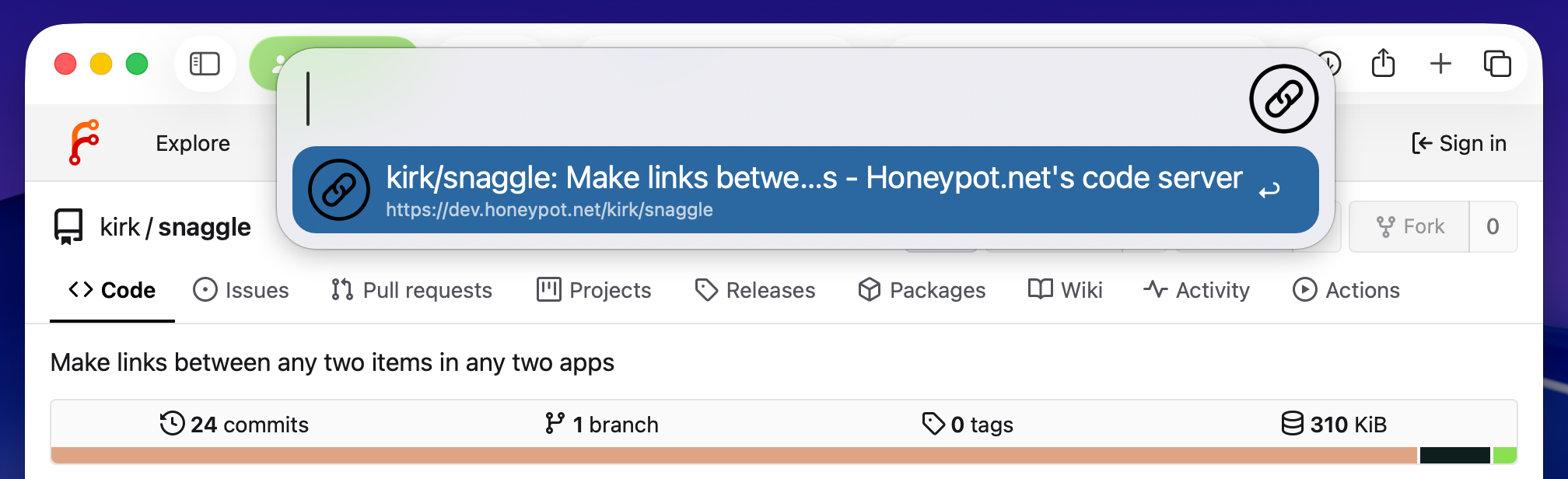
All your links live in one searchable database, ranked so the ones you reach for most rise to the top.
Everywhere you work
A shared Rust core powers a native Mac command line and a SwiftUI app for iPhone and iPad, kept in sync.
macOS
Fast, scriptable, and AppleScript-aware, with get / snag / search built for the keyboard.
snaggle snag https://example.com
iOS & iPadOS
A SwiftUI app with a live search list, link detail, an add flow, and a system share extension.
Links · Search · Snag · Share
macOS
Keyboard-driven hotkeys for get, bookmark, snag, and frecency search, right from Alfred.
⇧F9 · search everything
Free and open source. Bring your links together across every device you use.
Note: Today only the Mac version is downloadable, as source code. Native iOS and iPadOS apps are coming soon. So is Homebrew packaging for simple Mac installation. You're one of the first people in the world reading this, and it's not completely launched just yet.